
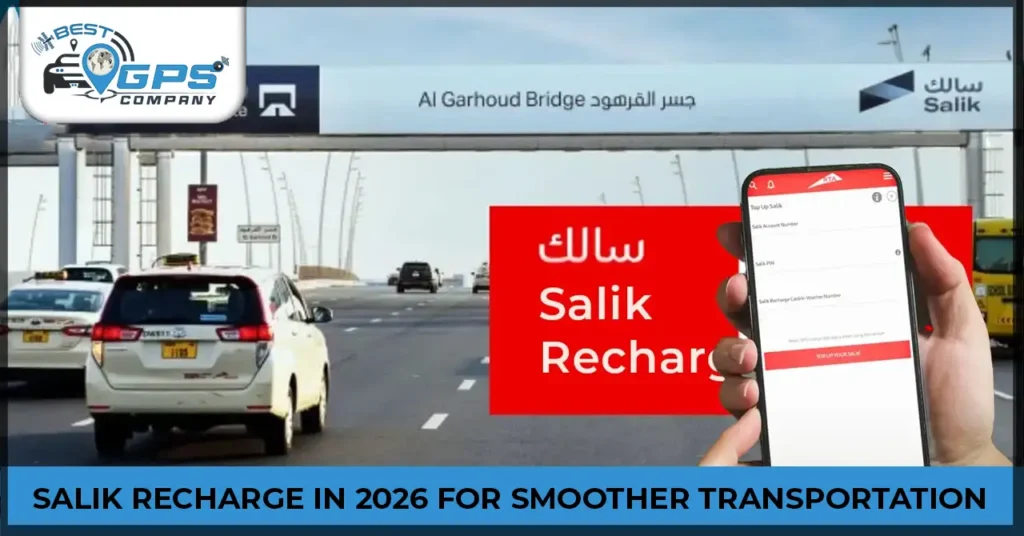

Top 6 Smart Ways For Salik Recharge In 2026 For Smoother Transportation

Top 6 Smart Ways For Salik Recharge For Smoother Transportation

Have you ever passed a toll gate in Dubai with an insufficient Salik balance? You might have faced a notification for hefty fines. These fines can be a burden on your wallet, and keeping your account balance up to date is mandatory. Timely recharge is advised, which could be done by choosing any one of these methods.

Some top ways to recharge the account include the Salik official website, Kiosk machines, recharge cards at petrol stations, smart salik app, the Dubai Drive app, and banks or ATMs. You can choose the one that suits your needs. Here, you’ll know exactly what Salik is and how to recharge the account. 

What Is The Salik Recharge System?

It is an electronic toll gate system, which the road and transport authority initiated in 2007 to monitor smoother movement of traffic. As the vehicle passes through any toll gate, it automatically deducts the particular charges from the account. It is supposed to minimize the amount of traffic congestion and enhance the road traffic flow. Toll gates within Dubai under Salik are:

  • Sheikh Zayed Road
  • Al Garhoud Bridge
  • Al Maktoum Bridge
  • Airport Tunnel
  • Al Mamzar areas

According to this system, each vehicle must have its Salik tag attached to the windshield. The system scans the tag whenever a vehicle passes through any toll gate. A specific amount is deducted automatically without the need for manual payment of charges. The toll amount is AED 4 for off-peak hours and AED 6 for peak hours.  

6 Ways To Recharge Your Salik Account

Before initiating a recharge, it is advised to choose the method that is convenient and according to your preferences.

1. Salik Website

Recharging a salik account online through a website is a convenient, easy, and quick method. 

  • Visit the Salik official website to recharge your account online.
  • Add your credentials and log in to the website. 
  • You will get a recharge option here, like online payment, if you don’t have a recharge number. 
  • Now, select your online payment option and enter your details, including mobile number, country, emirate, plate number, plate code, and more. 
  • After that, select the recharge amount and enter your credit card information to complete the details. 
  • You’ll be directed to the confirmation page upon successful recharge. 

2. Kiosk Machines

There are also self-service machines or smart kiosks for account recharge. You can find these machines across various locations in Dubai, like Deira, Al Barsha, Al Aweer, and some others. 

  • Find the nearest smart kiosk machine for the recharge.
  • Add your registered email and password to log in.
  • After that, select the recharge tab. 
  • To credit your account, insert the cash amount. 
  • The transaction will be completed when the kiosk confirms the top-up.

3. Recharge Cards At Petrol Stations

You can also get the Salik recharge card from the convenience store at the petrol stations. These cards are provided in different denominations. 

  • Once you get the card, you’ll have to call 800 SALIK (72545). Here you’ll have to select the recharge option.
  • For the SMS option, add your Salik account number and pin to send an SMS on 5959.
  • Visit the official Salik website and select the recharge account option. 

These are some convenient ways to recharge the account using cards from a petrol station. 

4. Smart Salik App

You must download the Smart Salik app from the App Store or Play Store in order to recharge using it.

  • You will need to register after downloading it.
  • To register, enter your PIN and account number.
  • New Salik users must register for an account on the website or app.
  • To access your account, use the app and choose either online payment for a credit card transaction or recharge now for a card payment.
  • For card payment, you’ll need to scan the 12-digit recharge card number, and for credit card payment, enter your amount and card info. 
  • Once the recharge is complete, you’ll receive a confirmation screen.

5. Dubai Drive App

The Road and Transport Authority offers the Dubai Drive app for your usage. Get it from the Apple Store or the Play Store.

  • Once it is downloaded, you’ll have to choose a language, whether English or Arabic.
  • Use your UAE pass to sign in to the app.
  • After that, select Salik and tap on the recharge card.
  • Now add the amount and select the pay now option.
  • Pay the amount using a credit card or Apple Pay. 

6. Banks & ATMs

There are different banks in Dubai that offer the account recharging option. It also includes the ATMs, mobile banking, and CDMs (Cash Deposit Machines). 

  • You can utilize a bank that offers Salik recharge service by going to the ATM or CDM at your bank.
  • From the available options, choose the recharge option and follow the guide to add balance to your account.
  • After that, you’ll receive a confirmation of the recharge. 

Summing Up!

Ignoring the salik balance results in fines and penalties, which makes it mandatory to timely check and recharge the account. The UAE government has made it straightforward to recharge the account from the comfort of your space. It includes Salik’s official website, mobile app, banks, Dubai Drive app, and smart Kiosks machine. You can choose whichever one you find convenient and easy.